Wise Ledger vs QuickBooks Online
QuickBooks is built for a business with a bookkeeper, a payroll run, and a team logging in. Wise Ledger is built for the business that's just you.
You're a freelancer or sole trader who needs real financial statements without the overhead.
You have employees, run payroll, or need more than one person in the books.
At a glance
| Feature | Wise Ledger | QuickBooks Online |
|---|---|---|
| Starting price | $0 (Free) | $38/mo (Simple Start) |
| Cheapest paid tier | $5.99/mo ($3.83/mo annual) | $38/mo |
| Free trial | 14-day Pro trial (no card on web; card up front via Google Play) | 30-day (or intro discount) |
| Platforms | Android only | Web + iOS + Android |
| Accounting method | Cash-basis only | Cash or accrual |
| Invoicing | 3/mo free, unlimited on Pro | Unlimited from Simple Start |
| Bank data | CSV/Excel import | Automated bank feeds |
| Balance Sheet | Pro only | Included from Simple Start |
| Multi-currency | Pro ($5.99/mo) | Essentials+ ($85/mo) |
| Payroll | Not available | Add-on, extra cost |
| Multi-user | Not available | 1–25 users by tier |
QuickBooks pricing reflects the August 1, 2026 rate increase (Essentials +42%, Plus +41%, Advanced +70%). quickbooks.intuit.com's pricing page could not be reached directly while researching this comparison; figures are sourced from NerdWallet and independent coverage of the price change. Confirm current pricing at quickbooks.intuit.com/pricing before making a purchase decision.
What QuickBooks is actually built for
QuickBooks isn't overpriced by accident — it's built for a specific job. Payroll, employee records and tax filings. Inventory tracking across a warehouse. A bookkeeper who needs their own login, separate from yours. Multi-user permissioning so an accountant can see the books without touching payroll.
If any of that describes your business, QuickBooks is the right tool, and Wise Ledger isn't trying to replace it — we've written more on exactly where that line sits. This page is for the narrower question: what happens when none of that applies to you yet.
Pricing breakdown
QuickBooks Online has five tiers from $20/mo (Lite, for Schedule‑C filers) up to $340/mo (Advanced). The three middle tiers — Essentials, Plus, and Advanced — got significantly more expensive on August 1, 2026: Essentials rose from $60 to $85/mo, Plus from $99 to $140/mo, and Advanced from roughly $275 to $340/mo.
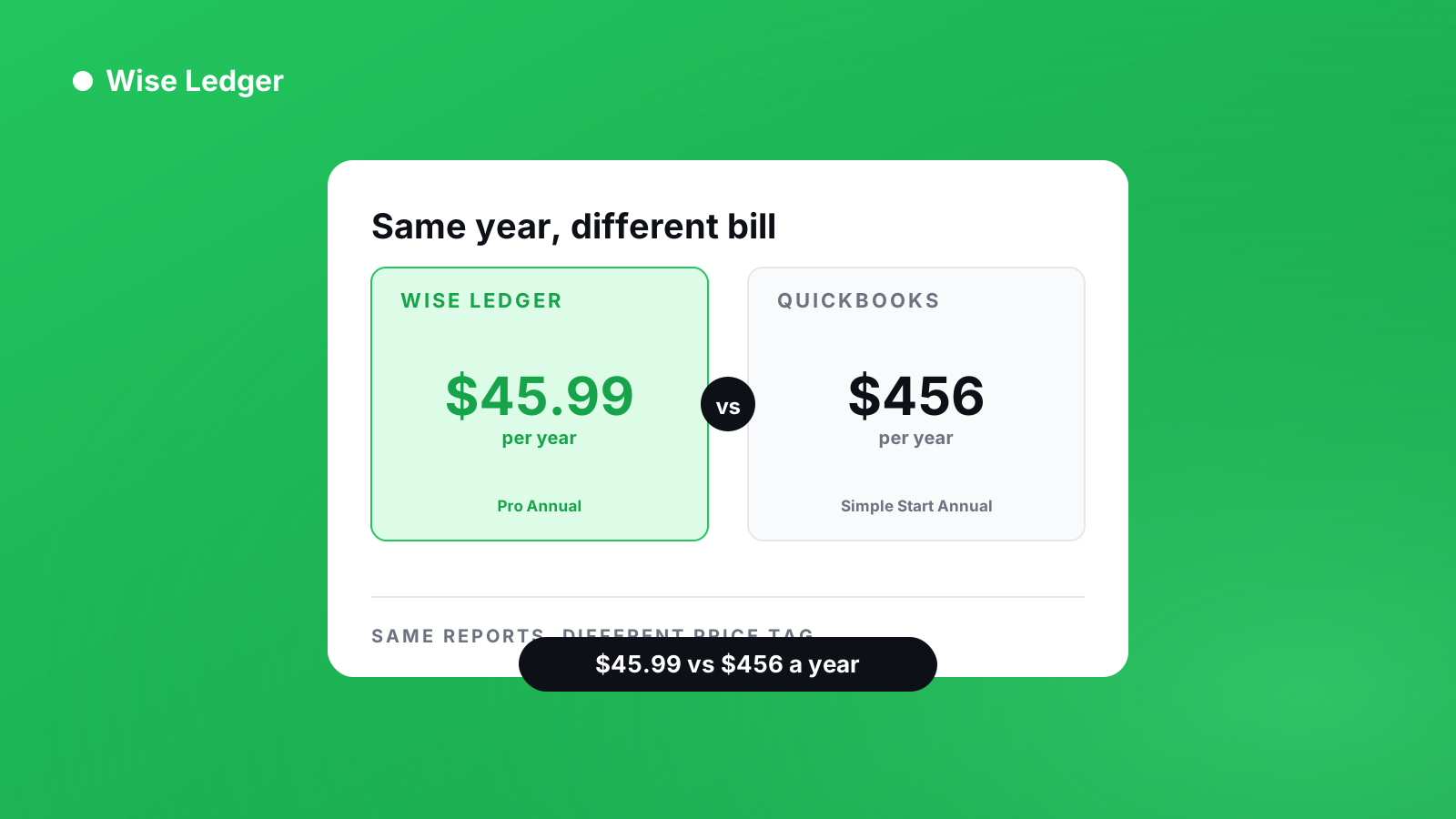
Wise Ledger has two tiers: Free ($0, forever) and Pro ($5.99/mo, or $45.99/yr — $3.83/mo effective). Annualized, Wise Ledger Pro costs $45.99 a year. QuickBooks Simple Start, the cheapest plan that actually gives you a full Profit & Loss and Balance Sheet, costs roughly $456 a year at current pricing — before you add payroll, which is billed separately on both platforms.
Feature by feature
Invoicing & payments — Both handle this well. Wise Ledger's free tier caps you at 3 invoices/month; QuickBooks Simple Start doesn't cap invoices, but starts at $38/mo to get there.
Bank data — This is a real gap, not spin: QuickBooks connects to your bank and pulls transactions automatically. Wise Ledger imports a CSV or Excel statement you download and upload yourself. If automatic bank sync matters more to you than price, that's a point for QuickBooks.
Reports — Both produce a Profit & Loss and Balance Sheet. On Wise Ledger, P&L is view-only on the free tier; Balance Sheet, tax estimate, and export are Pro-only ($5.99/mo). QuickBooks bundles full reporting starting at Simple Start.
Multi-currency — Wise Ledger Pro includes multi-currency support at $5.99/mo. On QuickBooks, multi-currency isn't available until Essentials, at $85/mo. If you invoice clients in more than one currency, this is Wise Ledger's clearest financial advantage.
What QuickBooks has that Wise Ledger doesn't — payroll, inventory management, project tracking, multi-user access, and an iPhone app. If you need any of these today, Wise Ledger isn't the right fit yet.
Two things to know before you switch
There is no web app and no iPhone app today. If you're on iPhone, or you need to check your books from a desktop browser, Wise Ledger won't work for you right now — QuickBooks runs on web, iOS, and Android. We'd rather you know that in one sentence here than find out after you've signed up.
Income counts when payment arrives, not when you send the invoice. QuickBooks supports both cash and accrual accounting. If your business is required to report on an accrual basis, or you need GAAP-compliant statements for a lender or investor, QuickBooks is the right tool.
Who should actually use which
Wise Ledger — you're a freelancer, sole trader, or one-person business with no employees, and you want real financial statements (not just an expense log) without paying for features you'll never touch.
QuickBooks — you have employees or plan to hire, you need a bookkeeper or accountant with their own login, you're managing inventory, you're required to report on an accrual basis, or you're on iPhone/need a desktop web app.
Frequently asked questions
Is Wise Ledger a real alternative to QuickBooks?
For a one-person business with no employees, yes — Wise Ledger covers invoicing, receipt scanning, Profit & Loss, Balance Sheet, budgets, and tax estimates. For anything involving payroll, inventory, or multiple users, no — that's QuickBooks' territory.
Does Wise Ledger do payroll?
No. Wise Ledger has no payroll feature, and none planned for a solo-user product. If you need to run payroll, QuickBooks (or a dedicated payroll tool alongside Wise Ledger) is the right choice.
Can I import my QuickBooks data into Wise Ledger?
There's no dedicated QuickBooks import. Wise Ledger has a general CSV/Excel bank-statement importer — if you export your QuickBooks transactions to a CSV with recognizable date, description, and amount columns, it will likely import, but this isn't a tested or guaranteed migration path.
Is QuickBooks worth it for a freelancer?
Sometimes. If you're planning to hire, need a desktop or iPhone app, or want automatic bank feeds, QuickBooks' Simple Start tier is a reasonable starting point. If none of that applies, you'll likely be paying for capacity you don't use.
See what you've really made — and what you're still owed.